Exercise: Get the code
To follow along, there are a few choices:- Open
bazel-examplesin a GitHub Codespace, a throwaway playground environment. - Clone the
bazel-examplesrepository to your machine. - You can pair up with someone near you.
- Follow along with the instructor who presents the content.
Content of note in this repo
Let’s read through the files that matter for all languages:MODULE.bazel/MODULE.bazel.lock- we’ll learn more in package managersWORKSPACE.bazel- basically gone now!REPO.bazel.bazelversion
.aspect/has settings for Aspect’s products (optional)tools/sets up the developer environmentlogger/is a multi-language example application
Running the Logger Demo
The initial demo project is in thelogger directory, so start with cd logger
if you want to follow along.
First, startup the Go backend server by running:
 https://asciinema.org/a/550627
Then, launch the Java client which produces log messages and sends them to the backend:
https://asciinema.org/a/550627
Then, launch the Java client which produces log messages and sends them to the backend:
 https://asciinema.org/a/550629
Now we can run our Python CLI to see the messages so far:
https://asciinema.org/a/550629
Now we can run our Python CLI to see the messages so far:
 https://asciinema.org/a/550630
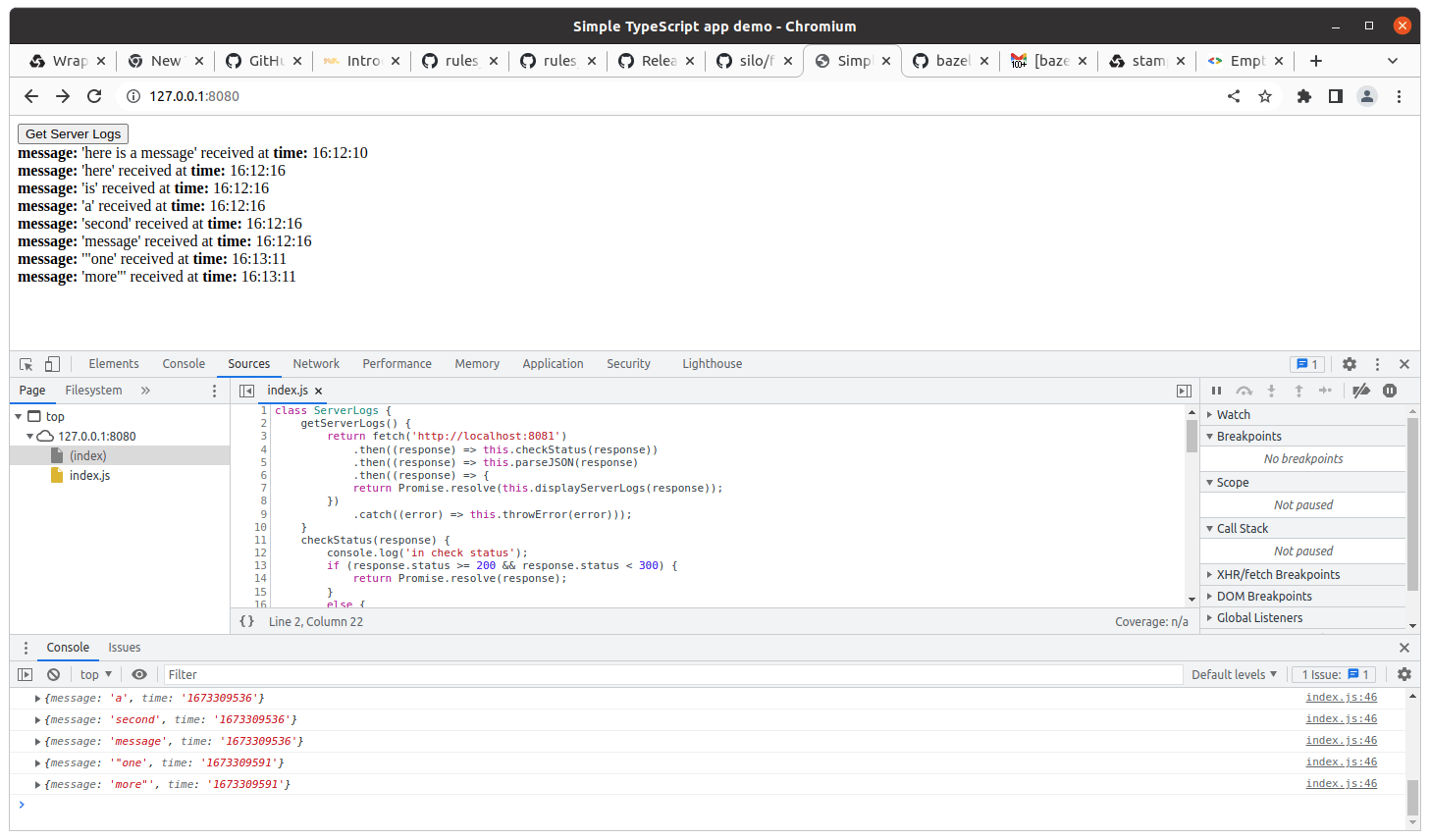
Finally, we can run a TypeScript web frontend and see the messages there too,
https://asciinema.org/a/550630
Finally, we can run a TypeScript web frontend and see the messages there too,
 https://asciinema.org/a/550628
Here’s what the app looks like in the browser after loading some messages:
https://asciinema.org/a/550628
Here’s what the app looks like in the browser after loading some messages: